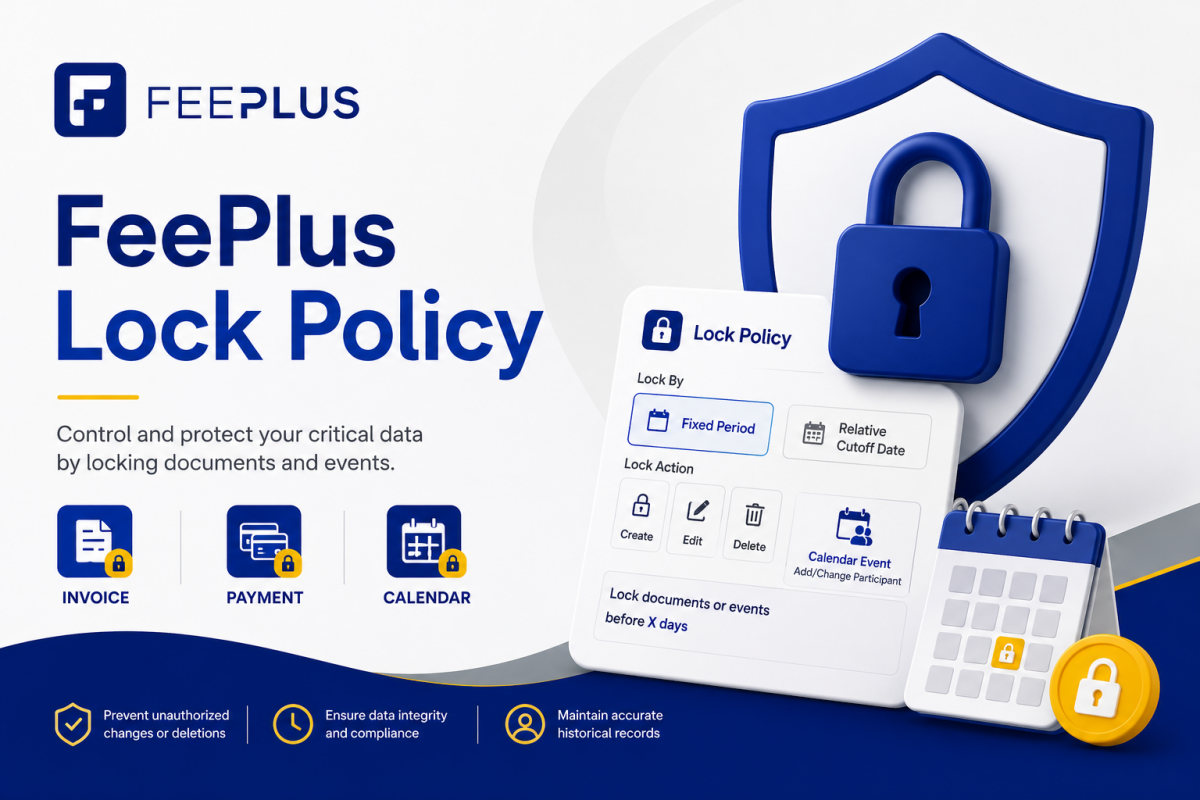
This guide helps administrators configure Lock Policies for common business scenarios, such as month-end closing, audit controls, late-payment restrictions, and event attendance cutoffs. Use this guide when you know the outcome you want and need to decide which lock settings to use. Each Lock Policy applies to one action only. […]
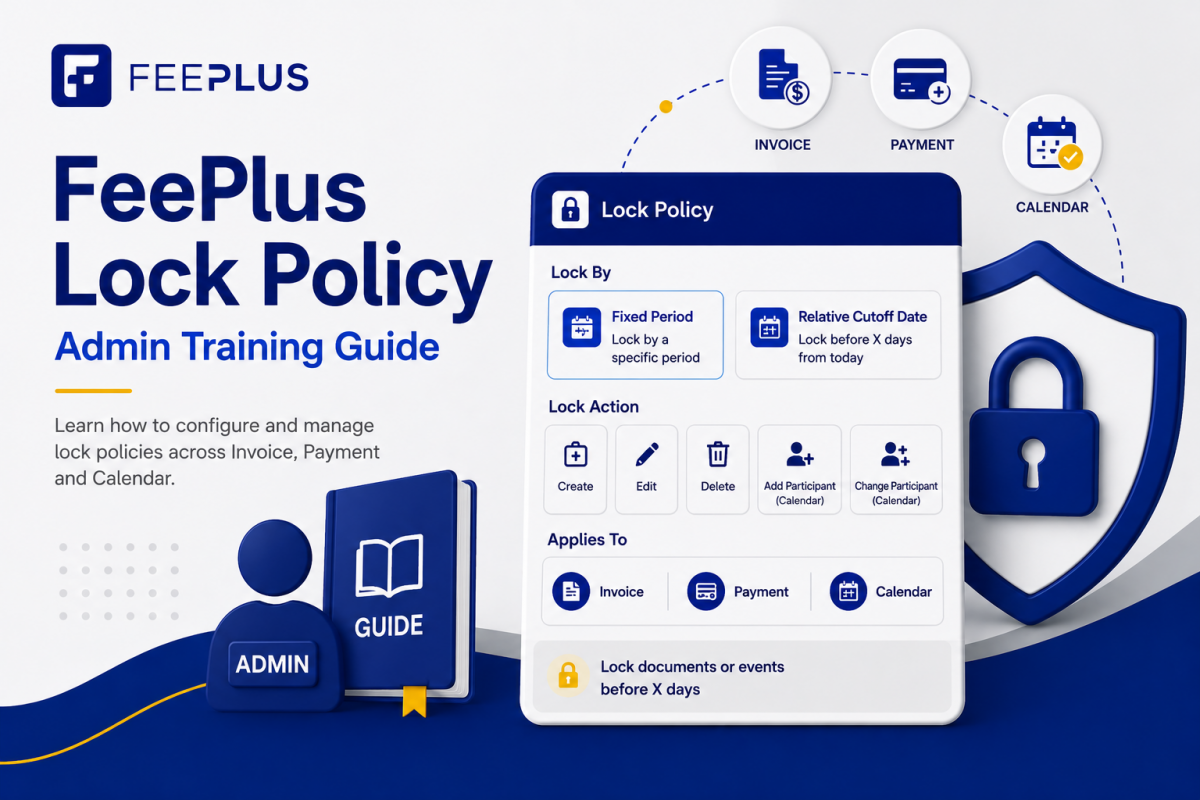
FeePlus Lock Policy
1. Introduction Lock Policies in FeePlus allow businesses to control when certain financial or calendar actions can be performed. They help prevent: Lock Policies apply to Invoice, Payment, and Calendar Events, and are managed from: Business Settings → Financial → Invoice / Payment Business Settings → Calendar → Lock Policy […]
FeePlus Malaysia SST Reporting Guide
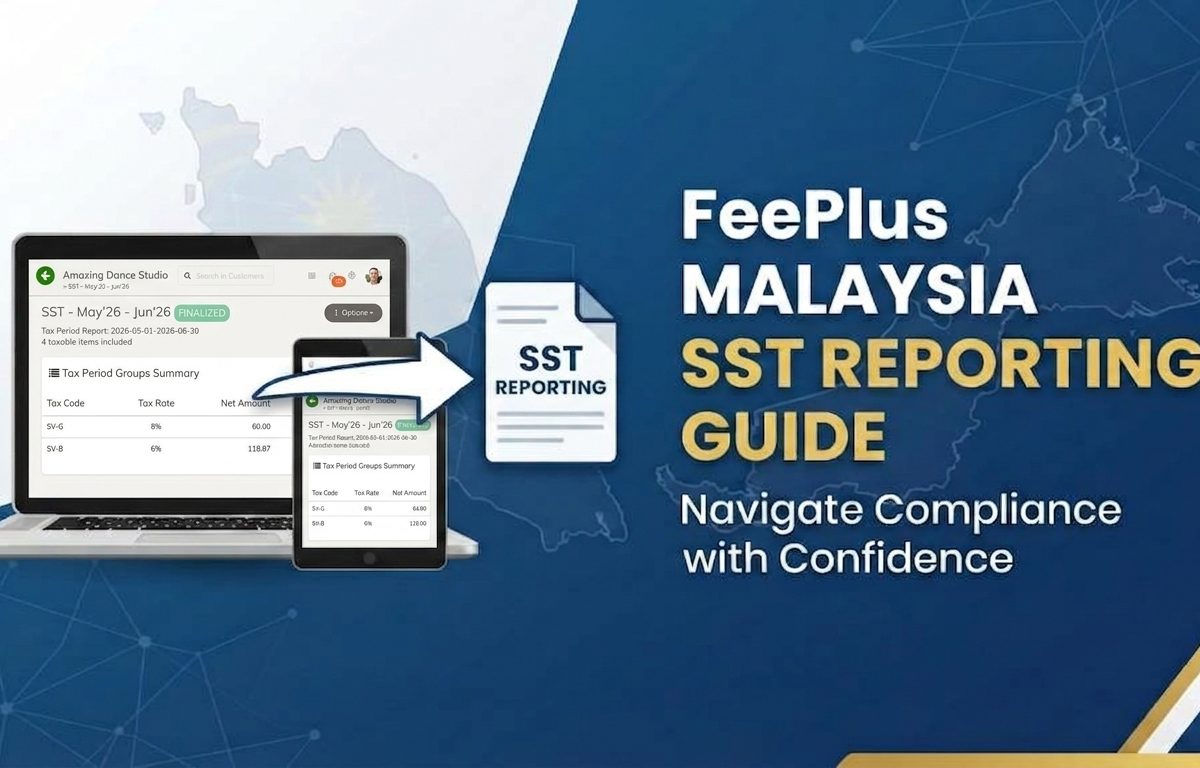
Tax Scheme Settings + SST Tax Period Workflow 1. Introduction Malaysia’s Sales & Service Tax (SST) requires businesses to report taxable sales or services every two months. FeePlus provides a complete SST workflow that ensures: This guide explains both parts of the SST system: Together, they form the full Malaysia […]
Marking Mode
Marking Mode streamlines attendance entry by letting administrators mark attendance freely without submitting each change individually. All updates are saved in one go — only when the user clicks Save. How to enable Marking Mode Show or toggle Marking Mode by clicking the “Marking Mode” checkbox. Once enabled, […]
How to Consolidate Invoices
Malaysia’s e‑Invoice framework allows businesses to consolidate multiple invoices into a single consolidated e‑Invoice for reporting to LHDN’s MyInvois system. Consolidation is commonly done on a monthly basis, and LHDN requires the consolidated e‑Invoice to be submitted within seven (7) calendar days after the end of the month. This guide […]
Managing Subscription Records
Subscriptions allow your center to track active packages and renewal cycles for each customer. These records also power what parents and students see in the FeePlus Client App — including subscription start dates, expiry dates, and payment history. This guide shows you how to create subscription services and assign them […]
FeePlus Client App — Key Benefits & Setup Guides
The FeePlus Client App helps your center strengthen communication and simplify daily operations by connecting students and parents directly to your services. This article highlights the key benefits of the app and provides setup instructions so your staff can enable each feature in the admin console. 🔑 Key Benefits & […]
How to Add a Company in MyInvois Portal
Before you can issue e‑invoices in the MyInvois Portal, your company must be registered and linked from MyTax (https://mytax.hasil.gov.my). If you haven’t added your company in MyTax yet, see How to Add a Company in MyTax →. This guide walks you through adding your company in the MyInvois Portal step […]
How to Add a Company in MyTax
To use MyInvois Portal for e‑invoicing, you must first ensure your company is registered in MyTax and linked to the portal. This guide walks you step by step through how to add your company in MyTax. Step 1: Login to MyTax Step 2: Go to Your Profile Section Step 3: […]
How to Add Intermediary in MyInvois Portal
To enable FeePlus to connect with LHDN and validate your company’s e-invoices, you’ll need to add FeePlus as an intermediary in your MyInvois Portal company’s Taxpayer Profile. Tip: Follow step by step, or skip ahead to the part you need. Step 1: Login to your MyTax account Visit https://mytax.hasil.gov.my and […]